How to Use the Hipobuy Spreadsheet
Start by opening the product directory, record the exact listing and variant, and build a local shopping list before requesting a quote. The directory is not a live Hipobuy inventory.
Swipe or scroll to explore all 16 categories.
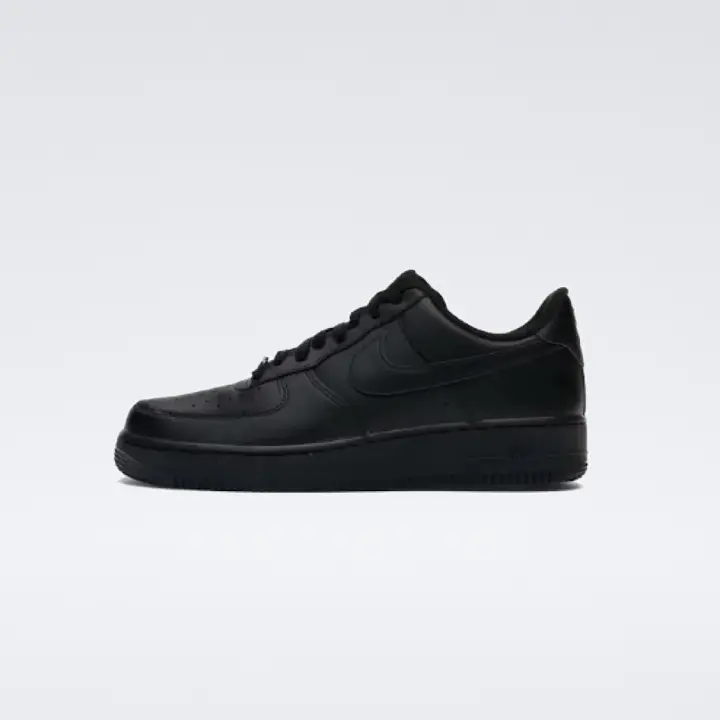 ShoesCheck size, pair consistency and visible condition.
 Shoes - QCReview available warehouse photo evidence and measurement views.
 Hoodies/
 T-ShirtsCompare chest width, length and fabric information.
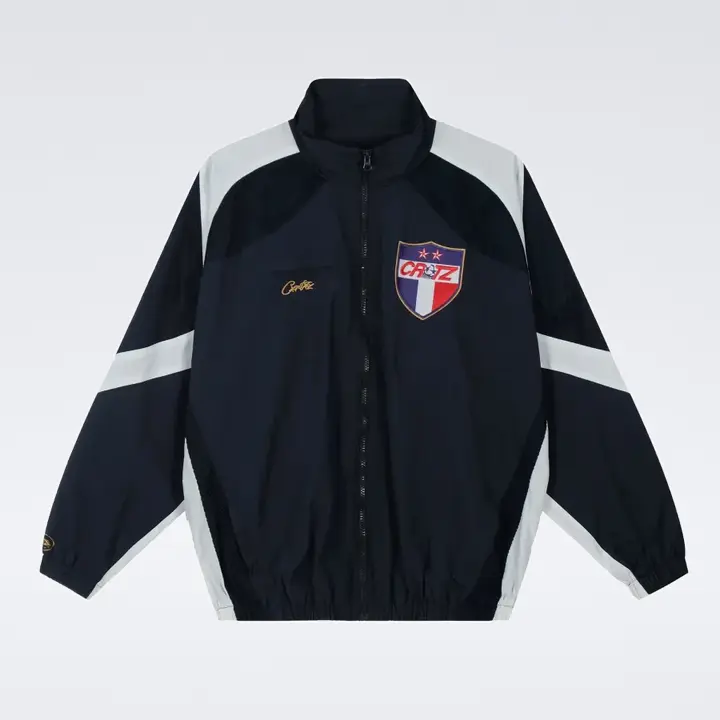 JacketsAllow room for layers and protective packing.
 Pants/
 WomenCheck the specific garment or accessory dimensions.
 HeadwearConfirm fit, circumference and closure.
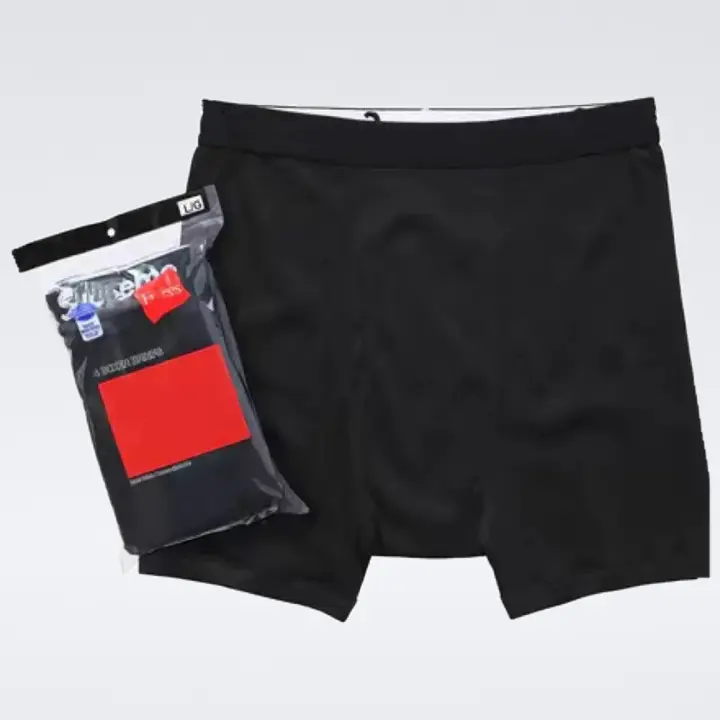 Underwear/
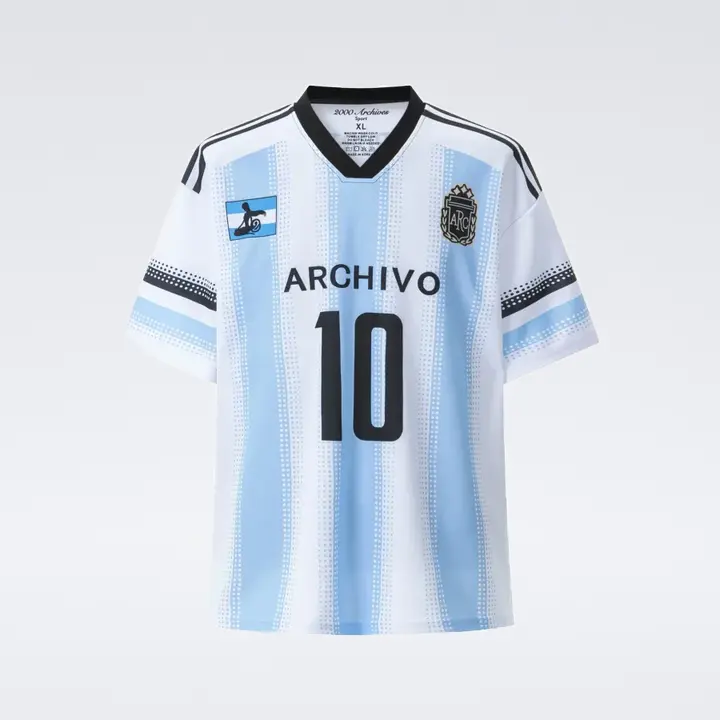 JerseyVerify fit, measurements and selected option.
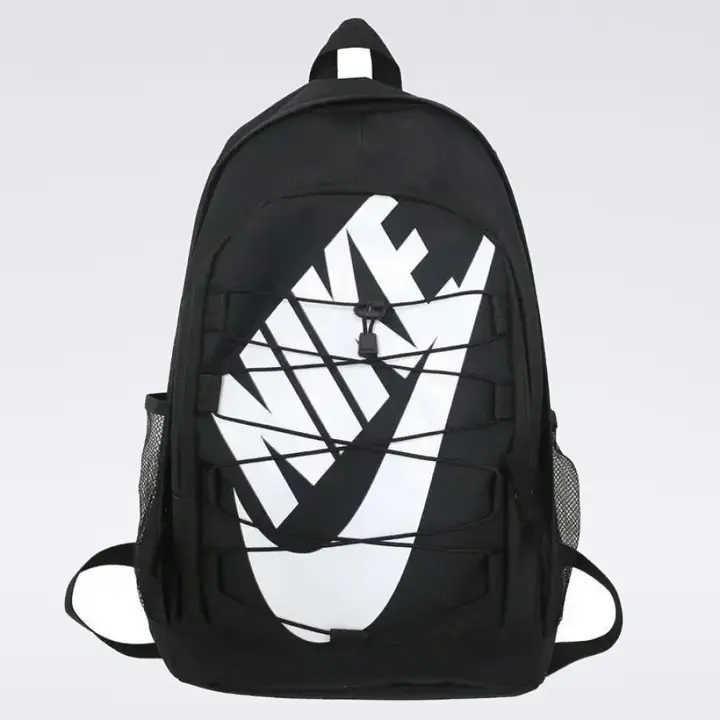 Bags/
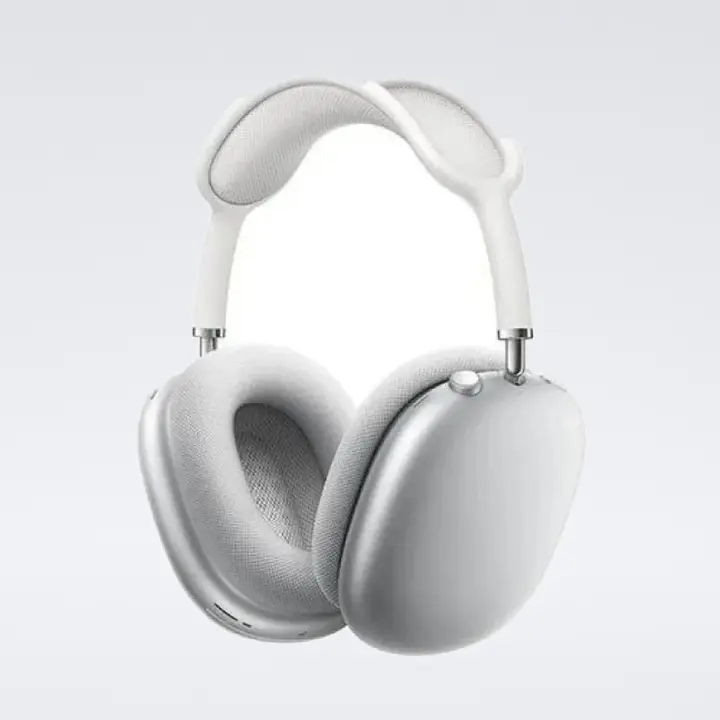 ElectronicsConfirm compatibility, safe transport and carrier eligibility.
 WatchCheck specifications, dimensions and transport eligibility.
 PerfumeVerify lawful transport eligibility before payment.
 GlassesCheck frame dimensions, lens information and protection.
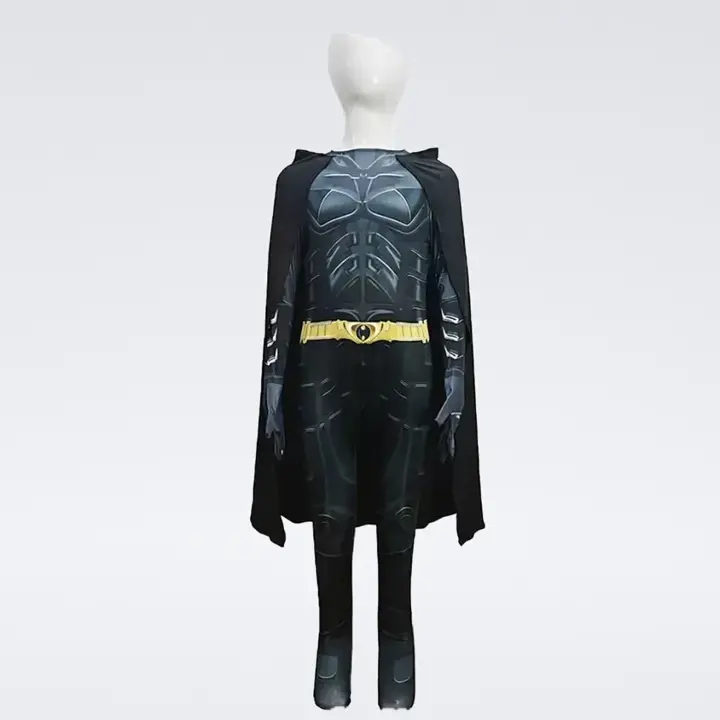 Other StuffConfirm item identity, purpose and applicable restrictions.
Search the Spreadsheet for Comparable Products
Search using a product type plus a measurable detail such as material, capacity or intended fit. Open each listing in a separate tab. Keep the exact product URL rather than a screenshot of a search result, because a screenshot cannot identify the option or seller after an update.
Build a Usable Shopping Shortlist
For each item record the name, selected option, unit price in one currency, quantity and any known weight. Leave unknown prices and weights blank instead of recording zero. A missing measurement is a question to resolve, not evidence that an item is unsuitable.
Connect Your List to the Actual Order
The shopping list saves on this browser only. Export a CSV if you need a portable copy. Transfer the known item total to the budget planner, add domestic delivery and an official freight estimate in the same currency. Transfer known item weight to the parcel planner as a starting estimate, then include packaging and use the actual packed dimensions.
Review Product Evidence Before Paying
Check the agent’s listing, correct currency and variant, availability and service restrictions. A link format check does not prove a listing is live. Keep the original listing as evidence and do not enter payment credentials into a directory or local worksheet.
What Makes the Best Hipobuy Spreadsheet for Your Purchase?
A useful spreadsheet lets you identify an item, trace its origin, compare the selected option and retain your decision. A long list of links is less helpful if you cannot tell which option the price refers to or whether the listing still matches its description. We do not award a universal ranking to spreadsheets or claim that every directory item has warehouse QC.
Evaluate a candidate using four questions: Is the original listing identifiable? Is the chosen variant and price clear? Is there relevant evidence for fit or condition? Is the remaining delivered cost within your budget? An unresolved answer should remain unresolved in your shopping list, not be silently marked as verified. The external W2C directory is the product-discovery destination; the research and planning tools are available here.
Hipobuy Spreadsheet 2027: Prepare for the Next Shopping Year
If you are preparing a Hipobuy spreadsheet for 2027, keep it as a living purchase record rather than relying on an old list labeled with a new year. As of November 25, 2026, 2027 is still ahead. No 2027 prices, service changes, sales totals or delivery statistics are claimed here.
Before your first 2027 order, reopen each saved seller listing, record the date and selected option, confirm current official fees and storage terms, and check destination-specific shipping and import conditions. Archive items that are no longer available. Keep the previous price as a historical observation only if it is recorded accurately; never show it as a current quote. These checks keep a yearly shopping plan useful without needing a duplicate annual landing page.
Keep a Decision Record When Listings Change
Save six things for a serious candidate: original URL, item description, exact selected option, price and currency, evidence required, and the next decision. A record with a clear next action is easier to resume later than a collection of screenshots without identifiers. For example, two listings for an unbranded winter coat may differ in length, insulation and packing size. Record those differences before choosing one. Use the shopping list to retain the candidates; keep sensitive order references outside public spreadsheets.
A Reusable 2027 Purchase Record: Keep Research Separate From the Order
Use a consistent decision record for each candidate rather than collecting more links than you can verify. Keep the listing URL and exact variant, the date and currency of the seller price, the maximum delivered-cost allowance, the evidence needed for acceptance, and the return deadline once the item enters the warehouse. The product directory does not supply a live Hipobuy inventory or certify a seller.
For example, suppose you compare two legitimate jackets with similar listed prices. Candidate A has a usable chest measurement and a confirmed seller return option; candidate B has only a model image and unclear size information. A may be easier to assess even if B costs a little less. The correct next step for B is to obtain the missing measurement and current terms, not to infer quality from a longer spreadsheet or a favorable agent review. Use the local list to preserve your own price assumptions and keep separate order records after payment. This is a planning method for 2027, not a forecast of prices, stock or service policies.
Source and next step: Official returns conditions · Local shopping list
Purchase evidence record
| Field | What to retain | Decision |
|---|---|---|
| Listing | Original URL and current option | Keep or replace |
| Price | Selected variant and currency | Within budget? |
| Fit or condition | Relevant evidence needed | Request or accept |
| Packing | Known weight and dimensions | Estimate or verify |
Frequently asked questions
Does the spreadsheet place orders?
No. The product directory is external, and this workspace records your own research. Orders and payments take place through the relevant service.
Can I reuse my list?
Yes, on this browser when local storage is available. Export it to keep a separate copy.
Does Hipobuy Spreadsheet 2027 list future prices?
No. It is a forward-looking verification checklist prepared before 2027; current seller and agent information must be checked.